


Movable counter ringNew
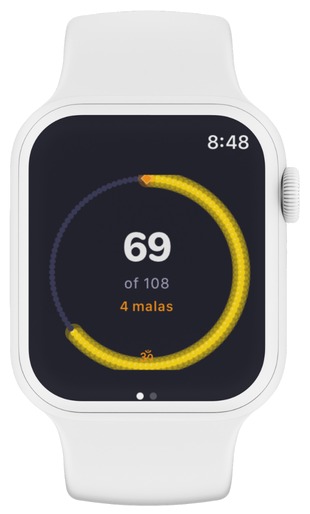
Make the counter yours. Turn on Drag mode in Settings → Counter and drag the bead ring to any corner, edge, or sweet spot on your screen — ideal for one-handed chanting or moving the ring off the devotional artwork. The ring stays within the screen edges automatically. Your position is saved and restored every time you open the app.
Settings → Counter: "Drag mode" toggle to enable drag; "Reset position" to re-centre the ring at any time. Not available in Anushthan mode — the dual-counter layout uses both halves of the screen.